So the choice often comes down to three questions: what computer you use, whether you want help before formatting, and how many books you'll produce. This guide works through each, with prices checked at each company's site, and includes a walkthrough of a formatting session in both.
At a glance
| Vellum | LiberScript | |
|---|---|---|
| Price | Ebooks $199.99; Press $249.99 (once) | $3.99 day, $9.99 week, $29.99 month, $99.99 year, $299.99 lifetime |
| Runs on | macOS | Any browser: Windows, Mac, Linux, Chromebook |
| Writing and critique | Formatting a finished manuscript | Write or import; AI-assisted critique; planner |
| Exports | Ebook and print (Press) | Print-ready PDF, EPUB, DOCX |
| Services | No | Editing, formatting, covers, quoted per project |
Checked October 2026 at store.vellum.pub and liberscript.com.
Price: one purchase or pay as you go
Vellum is a one-time purchase. Vellum Ebooks, at $199.99, makes unlimited ebooks; Vellum Press, at $249.99, adds unlimited paperbacks. Most authors publish print, so Vellum Press is the usual choice. You can download Vellum and try it on your own book for free before you buy, but you can't generate publishable files until you do.
LiberScript charges for time: $3.99 for a day, $9.99 for a week, $29.99 for a month, $99.99 for a year, or $299.99 once for lifetime access. For a single book formatted in a focused week, that's $9.99. For an author who writes all year in the tool, the annual or lifetime plan makes more sense.
Over several years and many books, Vellum's one-time price becomes small per book. For an author with one or two books, or who isn't sure how many more will follow, LiberScript's short plans cost far less upfront.
Platforms
Vellum runs only on macOS. If you use Windows, Linux or a Chromebook, you'd need a Mac, or a Mac rented in the cloud, to use it. LiberScript runs in the browser, so it works on any computer, with nothing to install and your books available wherever you sign in. For many authors, this alone decides the question.
Before formatting: writing and critique
Vellum is built to format a manuscript you've already written and edited: you import a Word file and format it. It deliberately stays focused on that job.
LiberScript covers the steps before formatting too. You can write in its editor or import a manuscript, plan with word goals and story beats, keep sticky notes, and run an AI-assisted critique that reviews the manuscript and highlights issues chapter by chapter. For authors who want a second opinion before paying for an editor, or who'd like to catch pacing and consistency problems before formatting locks in page breaks, that critique is a real advantage.
Design
Vellum's styles are its signature. Choose a book style and every chapter opening, drop cap and scene break updates together, producing elegant, traditionally styled pages with almost no adjustment. It limits fine control in favour of consistent results, which many authors love.
LiberScript's design studio shows your interior live as you adjust typography, headings and page layout, and exports print-ready files at your chosen trim size. It gives you more direct control over the look, with a live preview to guide you. Authors who want great defaults with no decisions lean towards Vellum; authors who want to shape the design themselves, in the browser, lean towards LiberScript.
A formatting session in each
In Vellum, you import your Word manuscript, and it divides it into chapters and recognises scene breaks. You pick a style, add front and back matter elements such as a copyright page and an also-by page, choose a trim size, preview on simulated devices and printed pages, and generate ebook and print files. A clean novel can be finished in well under an hour.
In LiberScript, you import the manuscript or continue from your draft in the editor, optionally run the critique and make revisions, then move to the design studio to set typography and layout with a live preview, choose a trim size, and export print-ready PDF, EPUB and, if an editor or co-author needs it, DOCX. The critique step takes extra time, but it happens before formatting, when changes are cheapest.
Exports
Vellum generates ebook files and, with Vellum Press, print-ready PDFs. LiberScript exports print-ready PDF and EPUB, plus DOCX, which is useful when an editor, agent or co-author wants a Word file, or when you'd like a backup of the text in a common format.
Help beyond the software
LiberScript pairs its software with done-for-you services: ghostwriting, editing, formatting and cover design by specialists, quoted per project before you commit. If you decide partway through that you'd rather hand over the cover or the final formatting, you can do it without starting again elsewhere. Vellum is software only.
Collaboration and working with editors
Books are rarely made alone. Editors often want Word files with tracked changes, beta readers may prefer a PDF or an ebook, and co-authors need access to the latest text. Vellum is a single-user Mac app that works best once editing is finished. LiberScript's DOCX export makes it simple to send a manuscript to an editor and bring the revised text back, and because it runs in the browser, your book is available on any computer you sign in on. If your process involves several people and several rounds of changes, factor that into your choice as much as design and price.
Series and consistency
Both tools make series easier after the first book. In Vellum, reuse the same style, trim size and elements for every book. In LiberScript, keep the same design settings, fonts and trim size. Either way, keep the back matter structure consistent, with the next book always listed first, so every book sends readers onward.
Cost over three years
Suppose you publish two books a year for three years, in both ebook and paperback. Vellum Press costs $249.99 once, plus a Mac if you don't already have one. LiberScript could cost about $60 in week plans (six books at $9.99), about $300 in annual plans, or $299.99 once for lifetime access. If you already own a Mac and only need formatting, Vellum's single payment is simple. If you'd use LiberScript's writing and critique tools throughout the year, or work on several computers, its plans may give more value for similar money.
Moving between them
Because LiberScript exports DOCX, you can take a book from LiberScript into Vellum if you later switch to a Mac workflow. Going the other way, export your manuscript from Word and import it into LiberScript. After any move, check chapter headings, scene breaks, front and back matter, and the table of contents, since each tool interprets imported files slightly differently. Keep the original manuscript and your final exports for every book, so a switch never means starting from scratch.
Quality checks before you upload
Whichever tool you use, the last step is the same. Open the EPUB in at least two reading apps and on a phone, checking the table of contents, chapter openings, images and scene breaks. Open the print PDF at actual size and look at margins, headers, page numbers and the last page. Order a printed proof if you can: tight gutters and faint text are much easier to spot on paper. Then build the cover for the final page count from your printer's template, never before.
Which to choose
- On a Mac, formatting many novels, and you want the most polished defaults: Vellum Press.
- On Windows, Linux or a Chromebook: LiberScript, or another cross-platform tool.
- Want feedback on the manuscript before formatting: LiberScript.
- Formatting one book in a short burst: LiberScript's day or week plan.
- Need DOCX exports or may hand over covers and formatting: LiberScript.
What both get right
Either tool is a big step up from formatting in a word processor. Both apply consistent styles, keep chapter openings clean, build a working ebook table of contents and export print files at standard trim sizes. The choice is about your computer, your workflow and how much help you want, not about whether your book will look professional.
Three authors, three choices
A cosy mystery author with a Mac and a new book every quarter chooses Vellum Press: polished styles and fast, consistent formatting for every book in the series.
A debut literary author on a Windows laptop chooses LiberScript for a month, runs the critique, revises two chapters, formats the book and exports EPUB, PDF and a DOCX for a beta reader.
A small press with authors on different computers chooses LiberScript's lifetime plan, so everyone works in the browser, and uses LiberScript's cover design service for titles that need it.
Common mistakes, whichever you use
- Formatting before the text is final, then changing it and shifting page breaks.
- Too small a gutter on a long book. See book print margins.
- Reusing a cover after the page count changes, so the spine no longer fits.
- Skipping a phone check of the ebook, where stranded headings and oversized images show up.
Publishing the files on BooksOasis
BooksOasis accepts the standard files both produce: an EPUB for the ebook, and an interior PDF plus a full-wrap cover PDF for each print edition. When you upload a print interior, BooksOasis reads the page count, quotes the printing cost, and shows the exact cover size and spine width with a downloadable template. An automatic print-readiness check tests both files before review.
Where BooksOasis fits
- Accepts EPUB and print PDFs from Vellum, LiberScript and every other tool.
- Automatic print-readiness check and an exact cover template.
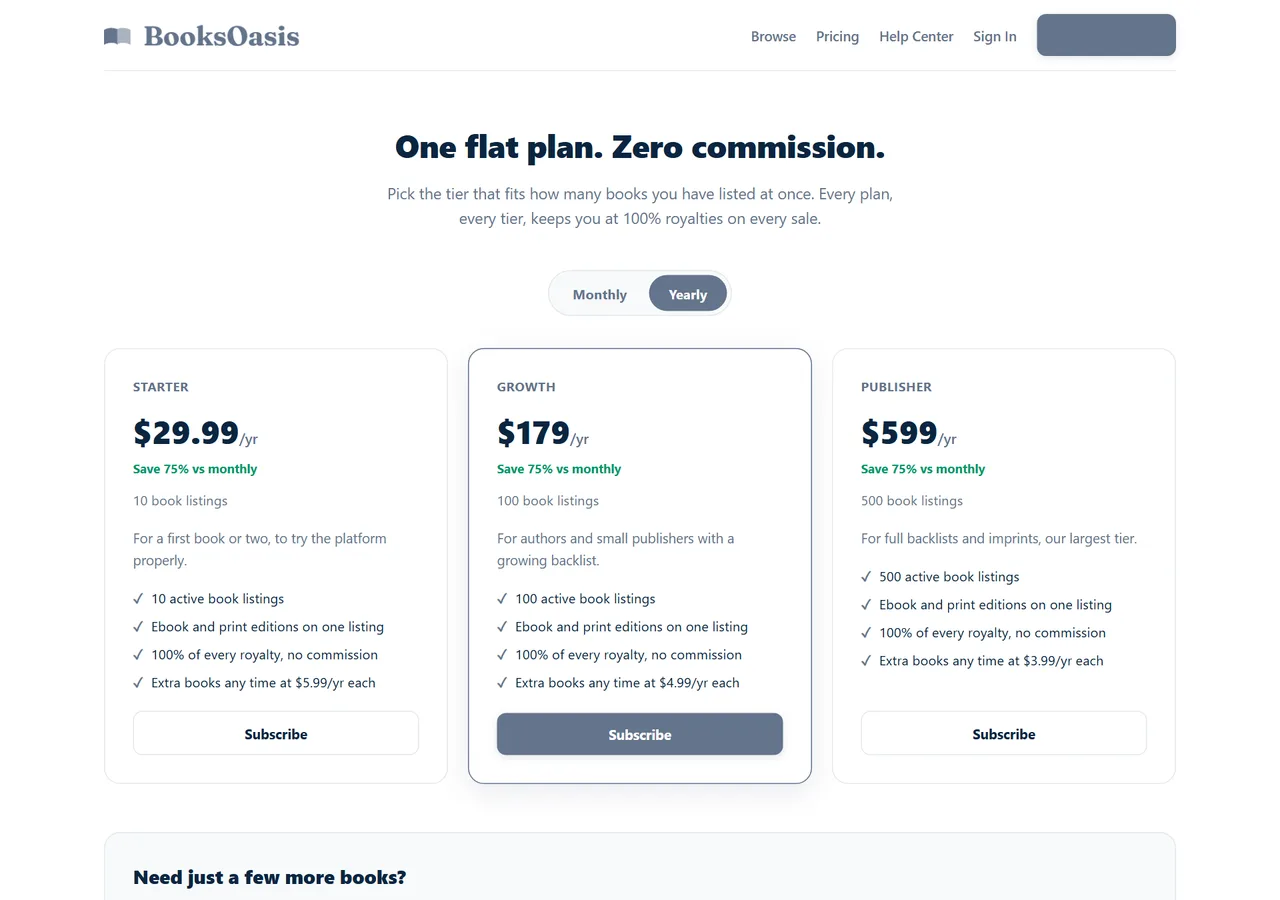
- 100% of every ebook sale; plans from $29.99 a year.
What it doesn't do: BooksOasis doesn't format manuscripts or design covers.
See plans and pricingSources
Checked October 2026: Vellum store; Vellum purchasing FAQ; LiberScript pricing; LiberScript: how it works.
In short
Vellum is the polished choice for Mac users formatting many finished manuscripts. LiberScript is the flexible choice for authors on any computer who want writing, critique, formatting and optional done-for-you help in one browser workspace, paying only for the time they need. Both produce clean files you can publish anywhere, including BooksOasis.
Questions
Is Vellum or LiberScript better?
Vellum is a polished Mac app for formatting finished manuscripts. LiberScript runs in any browser and covers writing, an AI-assisted critique and formatting. Mac users formatting many novels often prefer Vellum; authors on other computers, or who want feedback and writing tools, often prefer LiberScript.
How much does Vellum cost?
Vellum Ebooks is $199.99 and Vellum Press, which adds paperbacks, is $249.99, paid once.
How much does LiberScript cost?
$3.99 for a day, $9.99 for a week, $29.99 for a month, $99.99 for a year or $299.99 for lifetime access.
Does Vellum work on Windows?
Vellum runs on macOS. LiberScript runs in the browser on Windows, Mac, Linux and Chromebooks.
Which exports DOCX?
LiberScript exports print-ready PDF, EPUB and DOCX. Vellum generates ebook and print files.
Can I try them before buying?
Vellum can be downloaded and tried free, but you must buy it to generate files. LiberScript's $3.99 day plan is a low-cost way to try it.
Does either give feedback on my writing?
LiberScript includes an AI-assisted manuscript critique. Vellum focuses on formatting.
Can someone format my book for me?
LiberScript offers done-for-you editing, formatting and cover design, quoted per project. Vellum is software only.
Which is cheaper for one book?
LiberScript: a week plan costs $9.99. Vellum Press costs $249.99 but covers unlimited books.
Will their files work on BooksOasis?
Yes. BooksOasis accepts EPUB and print-ready PDFs and checks print files automatically.
Publish what you format
Upload EPUB and print PDFs from Vellum or LiberScript; keep 100% of every ebook sale.