Formatting is the step that turns a manuscript into a book: chapter headings, page numbers, margins, running heads, drop caps, scene breaks, a table of contents, and a clean EPUB that behaves on every reading app. A good tool makes it take hours instead of days, and saves you from the classic mistakes that get print files rejected. This guide compares the leading tools on price, platform, output and ease, with prices checked at each company's own site.
The tools at a glance
| Tool | Price | Runs on | Output |
|---|---|---|---|
| LiberScript | $3.99 a day, $9.99 a week, $29.99 a month, $99.99 a year, $299.99 lifetime | Browser (any computer) | EPUB, print-ready PDF, DOCX |
| Atticus | $147 one time, updates included | Windows, Mac, Linux, Chromebook, browser | EPUB and print PDF |
| Vellum | Ebooks $199.99; Press (adds paperbacks) $249.99 | macOS | Ebook files and print PDF (Press) |
| Kindle Create | Free | Windows and Mac | KPF (Amazon) and EPUB; paperback formatting |
| Reedsy Studio | Free | Browser | EPUB 3 and print-ready PDF; 3 templates, 4 trim sizes |
| Microsoft Word | Part of Microsoft 365 | Windows and Mac | DOCX and PDF; EPUB needs conversion |
Prices checked October 2026 at each company's site.
LiberScript
LiberScript is a browser-based workspace that covers the whole path from draft to files: you write or import your manuscript, get an AI-assisted critique, design the interior, and export print-ready PDF, EPUB and DOCX. Because it runs in the browser, it works on Windows, Mac, Linux and Chromebooks alike. Its plans are time-based: $3.99 for a day, $9.99 for a week, $29.99 for a month, $99.99 for a year, or $299.99 for lifetime access. That makes it inexpensive if you format one book in a focused week, and good value if you write several books a year.
Best for: authors who want writing, feedback and formatting in one place, on any computer, without a large upfront payment. LiberScript also offers done-for-you editing, formatting and cover design if you'd rather hand the work over.
Atticus
Atticus is a writing and formatting app for $147, paid once, with all future updates included and a 30-day money-back guarantee. It runs on Windows, Mac, Linux and Chromebook, and in a browser on any desktop or tablet, and it works offline as a progressive web app. It produces ebooks and print-ready PDFs from themes you can customise.
Best for: authors who want a one-time purchase, work across several devices, and publish several books.
Vellum
Vellum is long regarded as the most polished formatting app for novels, with beautiful built-in styles. It runs only on macOS. Vellum Ebooks costs $199.99 and creates unlimited ebooks; Vellum Press costs $249.99 and adds paperbacks. You can download it free and try it on your book, but you must buy it to generate files for publishing.
Best for: Mac users who publish many novels and value elegant typography with very little effort.
Kindle Create
Kindle Create is Amazon's free formatting tool for Windows and Mac. It turns a manuscript into a Kindle ebook, exporting Amazon's KPF format or EPUB, and can format paperbacks, calculating margins automatically and adding page numbers. It supports reflowable books, print replica books and comics.
Best for: authors publishing mainly on Amazon who want a free tool. Its KPF files are built for Kindle, so for other stores, export EPUB or use another tool.
Reedsy Studio
Reedsy Studio, formerly the Reedsy Book Editor, is a free online app for writing and formatting. It exports a reflowable EPUB 3 and a print-ready PDF designed for print-on-demand services, with three free templates (Classic, Romance and Reedsy) and four trim sizes: 6 x 9, 5.5 x 8.5, 5 x 8 and 4.25 x 6.87 inches.
Best for: authors on a tight budget with a straightforward book who are happy with a small set of templates.
Microsoft Word
Many books have been formatted in Word, and KDP publishes Word templates. It gives you full control, but it's easy to make mistakes: manual spacing instead of styles, missing section breaks, headers that repeat on chapter openings. Ebooks usually need converting from Word, which can bring stray formatting along. See formatting an ebook from Word if you go this route.
Best for: simple books, authors who already know Word's styles well, or anyone who needs to deliver a DOCX to an editor.
How to choose
| If you... | Consider |
|---|---|
| Use a Mac and publish many novels | Vellum |
| Use Windows or several devices and want to pay once | Atticus |
| Want writing, critique and formatting together, on any computer | LiberScript |
| Publish mainly on Amazon and want a free tool | Kindle Create |
| Need free EPUB and print PDF for a simple book | Reedsy Studio |
| Have a complex, image-heavy book | A tool with fine layout control, or a professional designer |
What good formatting gets right
- Margins and gutter that suit your trim size and page count, so text never disappears into the spine. See book print margins.
- Chapter openings without running heads or page numbers where they don't belong.
- Consistent styles for headings, body text, scene breaks and block quotes.
- A working table of contents in the ebook, and page numbers in print.
- Clean EPUB structure, so the ebook reflows properly on every device and in every app.
- Front and back matter in the right order: title page, copyright, dedication, and at the back, a link to your next book.
What each costs over time
The pricing models differ enough that the cheapest tool depends on how you work. A one-time purchase like Atticus ($147) or Vellum ($199.99 or $249.99) costs the most upfront but nothing more for future books. LiberScript's time-based plans cost little for a single focused project, $9.99 for a week of formatting, and its annual and lifetime plans suit authors who write steadily. Free tools cost nothing but may limit templates or stores.
A simple way to decide: estimate how many books you'll format over the next two or three years, and how much time each tool would save you. For one book, a free tool or a short plan is hard to beat. For a long series, a tool that makes every book faster and more consistent quickly pays for itself.
Testing before you commit
Every tool looks good in its demo. Before you commit, take your hardest chapter, one with images, tables, footnotes or unusual layout, and run it through the tool. Export both an EPUB and a print PDF. Open the EPUB in two or three reading apps, and check the PDF at your trim size, looking closely at margins, headers and page breaks. Most tools offer a trial, a free tier or a refund window; use it.
Print files: the part that trips people up
Ebooks are forgiving; print isn't. A print interior must be exactly the trim size (or include bleed if artwork runs to the edge), with margins large enough for your page count, and fonts embedded. The cover is a separate full-wrap file whose width depends on your final page count. Whatever tool you use, finish the interior first, then build the cover from your printer's template. See book trim sizes and book spine width.
Ebook files: small details that matter
A reflowable EPUB adapts to every screen size, font size and reading app, so fixed spacing, manual line breaks and oversized images cause problems. Good tools build the EPUB from styles, keep images to sensible sizes and generate a navigable table of contents. Always preview the file on a phone as well as a tablet. Readers notice a broken table of contents or a chapter heading stranded at the bottom of a screen, and those small things show up in reviews.
Where BooksOasis fits
BooksOasis doesn't format books, but it accepts the standard files every tool here can produce: an EPUB for the ebook, and an interior PDF and a full-wrap cover PDF for each print edition. When you upload a print interior, BooksOasis reads the page count from it, quotes the printing cost, shows the exact cover size and spine width, and offers a downloadable cover template. An automatic print-readiness check tests both files before your book goes to review, and Preview shows the cover laid out with every zone marked and the interior as printed spreads.
Where BooksOasis fits
- Accepts EPUB and print-ready PDFs from any formatting tool.
- Automatic print-readiness check, exact cover size, spine width and a cover template.
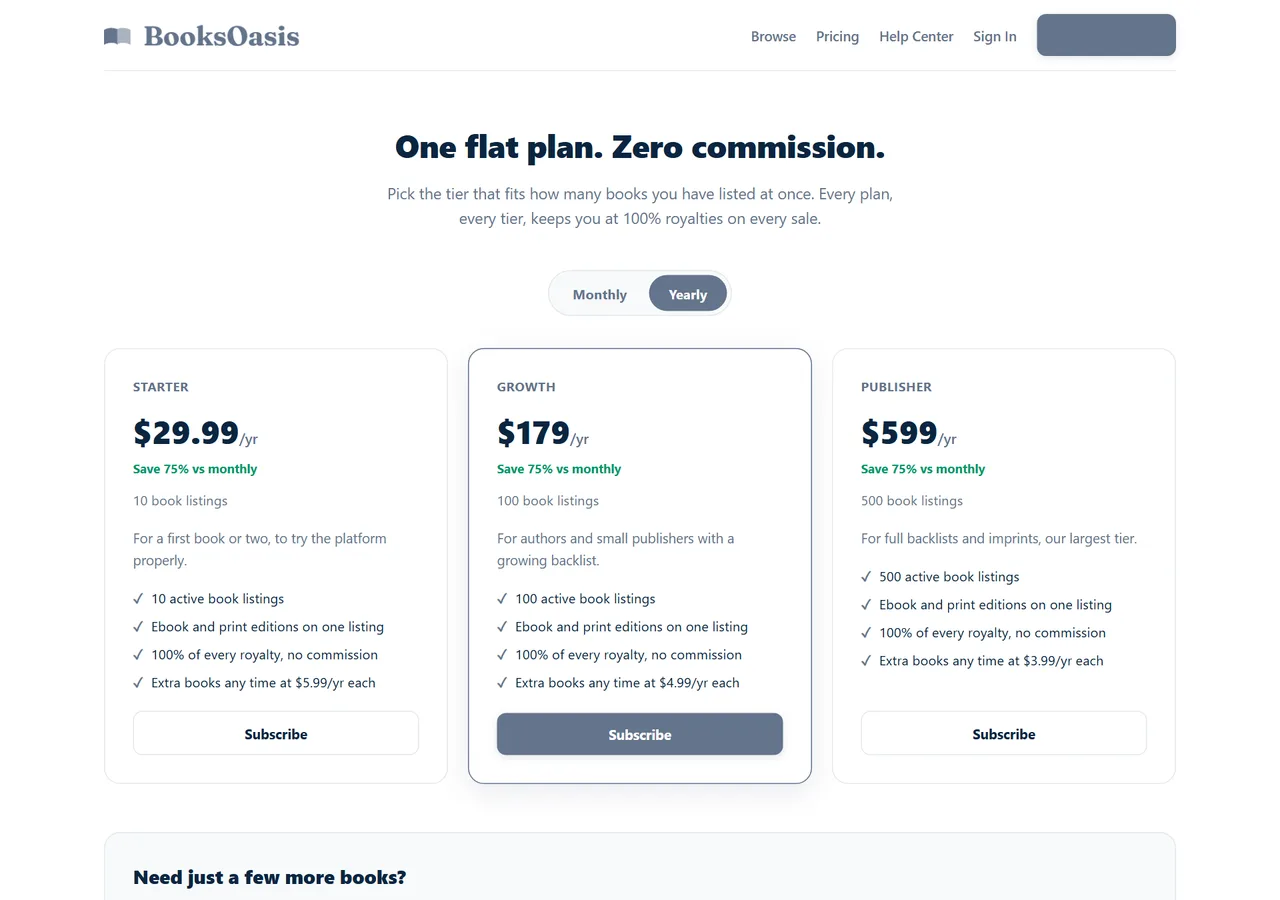
- Keep 100% of every ebook sale; plans from $29.99 a year.
What it doesn't do: BooksOasis doesn't format manuscripts or design covers; use a formatting tool or a designer first.
See plans and pricingThree authors, three tools
A romance author on a Mac publishing six books a year uses Vellum Press for its polished styles and speed.
A non-fiction author on a Windows laptop and a Chromebook writes and formats in LiberScript, using its critique before final formatting, and exports EPUB and print PDF for every store.
A first-time author with a simple novel and no budget formats in Reedsy Studio and uploads the EPUB and print PDF to BooksOasis and other stores.
Sources
Checked October 2026: LiberScript pricing; Atticus; Vellum store; KDP: getting started with Kindle Create; Reedsy Studio.
In short
Choose by your computer and your book. Mac users who value polish often choose Vellum; Windows or multi-device authors who want to pay once choose Atticus; authors who want writing, feedback and formatting in the browser choose LiberScript; and Kindle Create and Reedsy Studio cover simple books for free. Whatever you use, finish the interior before the cover, test your hardest chapter, and upload clean EPUB and PDF files to every store you sell in.
Questions
What is the best book formatting software?
It depends on your computer, budget and book. Vellum is polished but Mac-only; Atticus runs on any device for a one-time fee; LiberScript combines writing, critique and formatting in the browser; Kindle Create and Reedsy Studio are free.
What does Atticus cost?
$147 one time, with all future updates included and a 30-day money-back guarantee. It runs on Windows, Mac, Linux, Chromebook and in the browser.
What does Vellum cost?
Vellum Ebooks is $199.99 and Vellum Press, which adds paperbacks, is $249.99. It runs on macOS; you can try it free but must buy it to generate files.
What does LiberScript cost?
Plans run from $3.99 for a day and $9.99 for a week to $29.99 a month, $99.99 a year or $299.99 for lifetime access.
Is there free book formatting software?
Yes. Kindle Create is free for Windows and Mac, and Reedsy Studio is a free online editor that exports EPUB and print-ready PDFs.
Can I format a book in Microsoft Word?
Yes, especially simple novels, but it takes care with styles, section breaks and margins, and ebooks usually need conversion. Dedicated tools save time and reduce errors.
Do I need different files for ebook and print?
Yes. Ebooks use a reflowable EPUB; print needs a fixed-layout PDF at your trim size with correct margins. Good formatting tools produce both from one manuscript.
Will files from these tools work on BooksOasis?
Yes. BooksOasis takes an EPUB for the ebook and an interior PDF plus a full-wrap cover PDF for print, and checks print files automatically before submission.
Which tool is best for Windows users?
Atticus, LiberScript, Kindle Create and Reedsy Studio all work on Windows. Vellum is Mac-only.
Which tool is best for complex non-fiction?
Tools with finer layout control, or a professional designer, suit books with many tables, images or complex layouts. Test your hardest chapter in any tool before committing.
Publish the files you format
Upload your EPUB and print PDF to BooksOasis and keep 100% of every ebook sale.