This guide goes deeper: pricing and what each licence covers, platforms, design and themes, writing features, print and ebook output, and the kinds of books each handles best. Prices are checked at each company's own site. We finish with other tools worth considering, and how to get your files ready for any store.
At a glance
| Atticus | Vellum | |
|---|---|---|
| Price | $147 once, updates included | Ebooks $199.99; Press (adds paperbacks) $249.99 |
| Runs on | Windows, Mac, Linux, Chromebook, browser; offline | macOS |
| Try before buying | 30-day money-back guarantee | Free download to try; buy to generate files |
| Writing | Yes, write and format in one app | Mainly formatting a finished manuscript |
| Included | Vellum Press only |
Checked October 2026 at atticus.io and store.vellum.pub.
Price and licences
Atticus is a single $147 purchase covering unlimited books and all future updates, with a 30-day money-back guarantee if it isn't right for you. Print and ebook output are both included, so there's no second licence to buy when you add a paperback.
Vellum has two licences. Vellum Ebooks, at $199.99, creates unlimited ebooks. Vellum Press, at $249.99, creates unlimited ebooks and paperbacks. If you publish print, and most authors do, Vellum Press is the one you need, making Vellum about $100 more than Atticus. You can download Vellum and try it on your own manuscript for free, but you can't generate publishable files until you buy.
For authors who publish many books, both are one-time costs that become small per book over time. The price difference matters most to authors just starting out, or to anyone who doesn't have a Mac, since Vellum would also require one.
Platforms: the deciding factor for many
Vellum runs only on macOS. That single fact settles the question for authors on Windows or Chromebooks, unless they're willing to buy a Mac or rent a Mac in the cloud, which adds cost and friction. Vellum's help pages discuss options for Windows users, but most simply choose a tool that runs on their own computer.
Atticus runs on Windows, Mac, Linux and Chromebook, and in a browser on any desktop or tablet. It's a progressive web app, so it works offline once installed, and your books are available across your devices. If you switch between a laptop and a desktop, or share work with a co-author on another system, Atticus fits more easily.
Design and themes
Vellum's reputation rests on its design. Its built-in styles produce elegant chapter openings, drop caps, ornamental scene breaks and balanced page layouts with very little adjustment, and many authors feel its defaults look like a traditionally published book straight away. It deliberately limits fine-grained control in favour of consistently good results.
Atticus offers themes you can customise more freely: heading styles, fonts, spacing, scene break ornaments and more, with a live preview. That gives you more room to make a book look exactly as you want, at the cost of more decisions. Authors who like to tinker tend to prefer Atticus's flexibility; authors who want great results without choosing tend to prefer Vellum's opinionated styles.
Writing, not just formatting
Atticus includes a writing environment, so you can draft, revise and format in one place, then export when you're ready. Vellum is built mainly to format a finished manuscript: you import a Word file, format it and export. If you write in Scrivener, Word or Google Docs and only need formatting, this difference won't matter. If you'd like one app for the whole process, Atticus has the edge.
Print and ebook output
Both produce professional ebooks and print-ready PDFs at standard trim sizes, suitable for the major stores and printers. With Vellum you need the Press licence for print. Whichever you use, check the EPUB in several reading apps and on a phone, and the print PDF at actual size, before uploading. Pay particular attention to the gutter margin on long books, and to how images sit on the page.
Books each handles best
Vellum excels at novels and straightforward narrative non-fiction, where its styles shine and there's little need for complex layout. Atticus handles the same books well and gives more room to customise, which helps with memoirs, devotionals and non-fiction with varied elements. Neither is a full desktop publishing tool: books with complex tables, many figures or magazine-style layouts may need a designer or a professional layout application. Test your most complex chapter in any tool before committing.
A formatting session in each
In Vellum, you import a Word manuscript and Vellum divides it into chapters automatically, recognising headings and scene breaks. You choose a book style, and every chapter opening, drop cap and ornament updates at once. You add elements such as a copyright page, dedication, also-by page and about-the-author page from its built-in list, set a trim size for print, preview on simulated devices and pages, and generate ebook and print files. For a clean manuscript, the whole process can take less than an hour.
In Atticus, the flow is similar: import your DOCX or write directly in the app, check that chapters were detected correctly, choose and customise a theme, add front and back matter, pick a trim size and export. The extra customisation options mean you may spend longer tweaking, but you also have more say over the final look. Both tools make re-exporting after a small correction quick, which matters when you spot a typo after launch.
Series and reusable styles
For series authors, consistency across books is as important as the look of any single book. In both apps, keep the same style or theme, fonts, scene break ornament and trim size for every book in the series, so the books look like a set on the shelf and read the same on screen. Keep the back matter structure consistent too, with the next book always listed first and your newsletter invitation after it. Each new book then takes far less time than the first, whichever app you use.
Common mistakes, whichever you use
- Formatting before the text is final, then making changes that shift page breaks and the page count.
- Ignoring the gutter on long books, so text curves into the spine. See book print margins.
- Reusing an old cover after the page count changes, so the spine no longer fits.
- Skipping device checks: an ebook that looks fine on a tablet can have stranded headings on a phone.
- Heavy images in the ebook, which bloat file size and slow downloads.
- Different trim sizes on different printers, which forces you to maintain two interiors instead of one.
Other tools worth a look
LiberScript runs in the browser on any computer and combines writing, an AI-assisted critique of your manuscript and a design studio, exporting print-ready PDF, EPUB and DOCX. Its time-based plans ($3.99 for a day, $9.99 for a week, $29.99 a month, $99.99 a year or $299.99 lifetime) suit authors who format in short bursts or want feedback before editing. See LiberScript vs. Atticus.
Kindle Create is Amazon's free tool for Windows and Mac, best for books sold mainly on Amazon. Reedsy Studio is free, runs in the browser and exports EPUB and print-ready PDFs with a small set of templates. See the best book formatting tools for the full comparison.
Updates and the long term
Both apps are one-time purchases. Atticus says its price includes all future updates. Vellum has released major upgrades over the years; check its purchasing FAQ for how current upgrades are handled. Whichever you buy, keep your final exported files with each manuscript, so a future revision or a move to another tool starts from known-good files rather than a rebuild.
How to decide
- No Mac? Choose Atticus or another cross-platform tool.
- Mac, many novels, want the most polished defaults? Vellum Press.
- Want to write and format in one app? Atticus, or LiberScript if you'd also like a critique.
- Tight budget and a simple book? Reedsy Studio or Kindle Create.
- Complex layout? Test your hardest chapter, or hire a designer.
Two authors, two choices
A romance author on a MacBook who releases a book every two months chooses Vellum Press: the styles look polished with no fuss, and each new book in the series takes little time to format.
A fantasy author who writes on a Windows desktop and edits on a Chromebook chooses Atticus: one payment, the same books on both machines, and writing and formatting in one place.
A first-time non-fiction author who wants feedback before hiring an editor tries LiberScript for a week, runs its critique, revises, and formats there instead, keeping Atticus and Vellum in mind for later books.
Getting your files onto BooksOasis
BooksOasis accepts the standard files both apps export: an EPUB for the ebook, and an interior PDF plus a full-wrap cover PDF for each print edition. When you upload a print interior, BooksOasis reads the page count, quotes the printing cost, and shows the exact cover size and spine width with a downloadable template. An automatic print-readiness check tests both files before review, and Preview shows the interior as printed spreads with margins and gutter marked.
Where BooksOasis fits
- Accepts EPUB and print PDFs from Atticus, Vellum and every other tool.
- Automatic print-readiness check and an exact cover template.
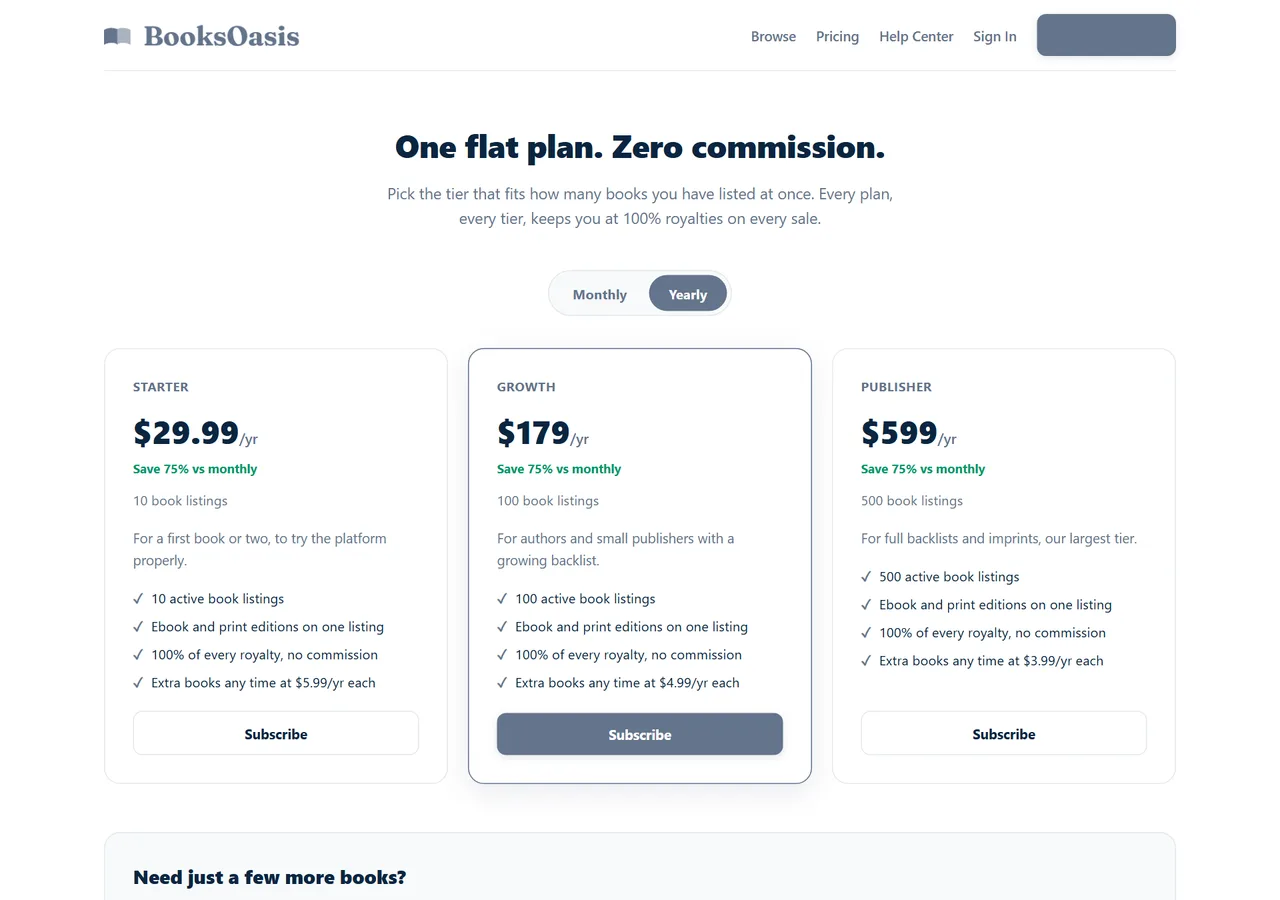
- 100% of every ebook sale; plans from $29.99 a year.
What it doesn't do: BooksOasis doesn't format manuscripts or design covers.
See plans and pricingSources
Checked October 2026: Atticus; Vellum store; Vellum purchasing FAQ; LiberScript pricing.
In short
Vellum gives Mac users beautiful books with almost no effort, for $249.99 with print. Atticus gives everyone else a flexible, cross-platform writing and formatting app for $147 once. Choose by your computer first and your taste in design second, test your hardest chapter, and upload the clean EPUB and PDF to every store you sell in.
Questions
Is Atticus or Vellum better?
Vellum is renowned for polished, effortless design but runs only on Macs. Atticus costs less, runs on almost any device and includes writing tools. Mac users who value polish often choose Vellum; everyone else usually chooses Atticus or another cross-platform tool.
How much does Vellum cost?
Vellum Ebooks is $199.99 and Vellum Press, which adds paperbacks, is $249.99.
How much does Atticus cost?
$147 once, including all future updates, with a 30-day money-back guarantee.
Does Vellum work on Windows?
Vellum runs on macOS. Windows users need a Mac, or a Mac in the cloud, to use it; most choose a cross-platform tool instead.
Can I try Vellum for free?
Yes. You can download Vellum and try it on your book for free, but you must buy it to generate files for publishing.
Does Atticus work offline?
Yes. Atticus is a progressive web app that works online and offline on Windows, Mac, Linux, Chromebook and in the browser.
Can I write my book in Vellum?
Vellum is designed mainly for formatting a finished manuscript. Atticus includes a writing environment as well as formatting.
Which is better for print books?
Both produce professional print PDFs. For print with Vellum, you need Vellum Press ($249.99); Atticus includes print in its single price.
Are there alternatives?
Yes: LiberScript (browser-based, with an AI-assisted critique), Kindle Create and Reedsy Studio (both free), and Word for simple books.
Will files from either work on BooksOasis?
Yes. BooksOasis accepts EPUB and print-ready PDFs and checks print files automatically before submission.
Publish what you format
Upload EPUB and print PDFs from Atticus or Vellum; keep 100% of every ebook sale.